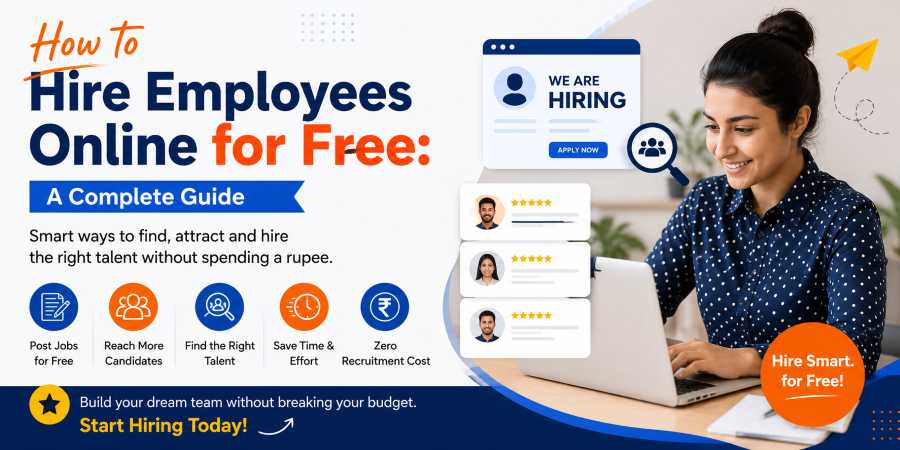
How to Hire Employees Online for Free A Complete Guide
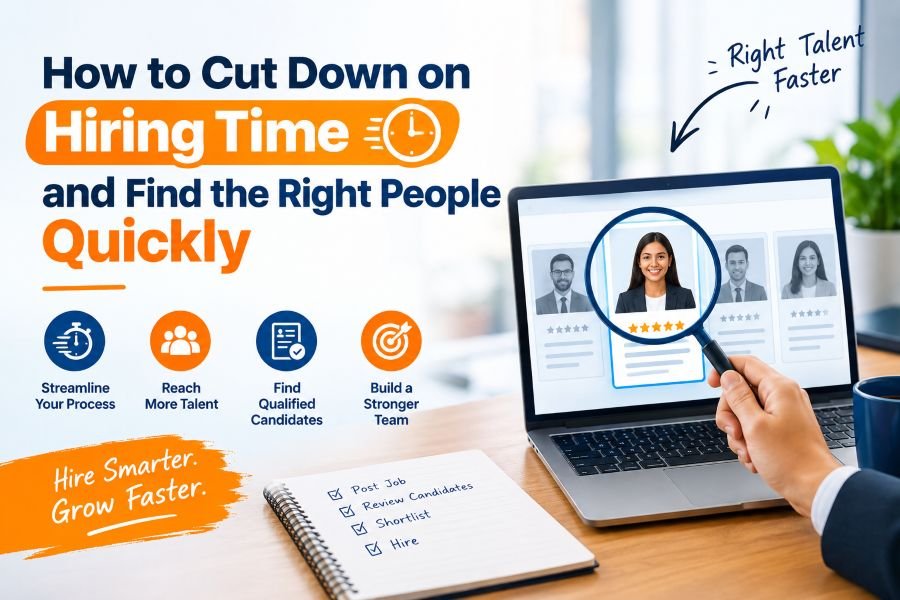
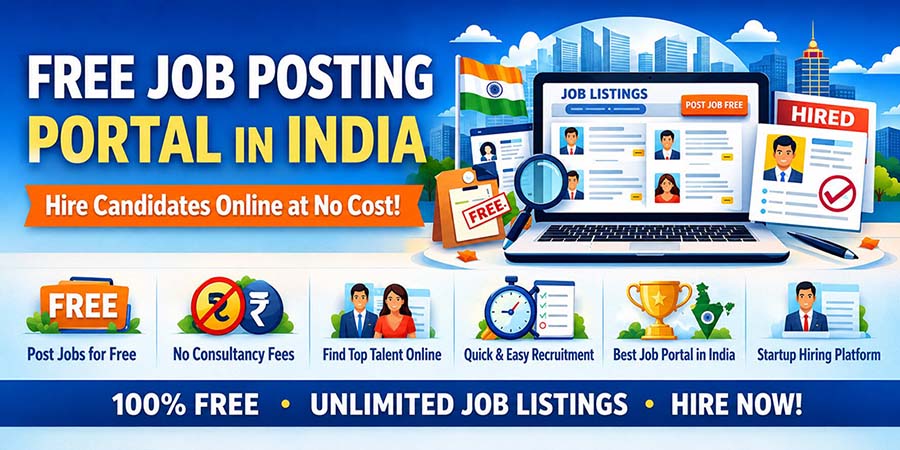
Finding workers doesn’t have to cost a lot. Many businesses, no matter their size, can hire employees online for free using job websites, social media and employee referrals.
Whether you’re starting a business, have a small company or are growing, free online hiring methods can help you find qualified candidates quickly and save money on recruitment.
In this guide, you’ll learn the ways to hire employees online without paying recruitment fees.

Why Hire Employees Online?
Online recruitment is a hiring method because it offers many benefits, including:
- Access to thousands of active job seekers
- Faster hiring process
- recruitment costs
- Better candidate filtering
- Easy communication with applicants
- Nationwide hiring opportunities
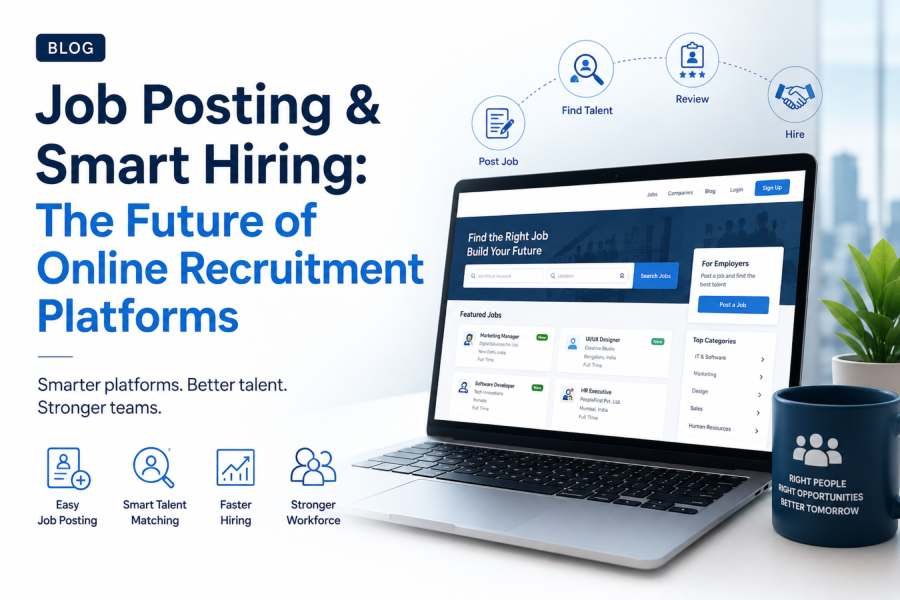
Digital recruitment also helps employers manage applications from a dashboard and shortlist candidates efficiently.
Step 1: Write a Clear Job Description
Before posting a job, prepare a job description. Include:
- Job * Company Name
- Job Location
- Employment Type
- Salary (Optional)
- Responsibilities
- Required Skills
- Experience Needed
- Educational Qualification
- Benefits
- Application Deadline
A written job description attracts the right candidates and reduces irrelevant applications.
Step 2: Post Jobs on Free Job Portals
Many job websites allow employers to post jobs for free. Some popular options include:
- ClickNaukri
- Indeed (Free Listings)
- Google Jobs
- LinkedIn Free Job Posts
- Apna
- Internshala
- Freshersworld
These platforms connect employers with thousands of job seekers daily.
Step 3: Use Social Media for Recruitment
Social media is a hiring tool. Share job vacancies on:
- X (Twitter)
- WhatsApp Groups
- Telegram Channels
Ask employees to share the job vacancy within their network to increase visibility.
Step 4: Leverage Employee Referrals
Employee referrals are a way to hire quality candidates. Benefits include:
- Faster hiring
- Better cultural fit
- Lower recruitment cost
- Higher employee retention
Offer referral rewards to motivate existing employees.
Step 5: Search Candidate Profiles
Don’t wait for applications. Use LinkedIn and job portals to search for candidates based on:
- Skills
- Experience
- Industry
- Location
- Education
Send messages inviting suitable candidates to apply.
Step 6: Screen Applications
After receiving applications:
- Review resumes carefully
- Check experience
- Verify technical skills
- Evaluate communication ability
- Shortlist suitable candidates
Creating evaluation criteria helps compare candidates.
Step 7: Conduct Online Interviews
Video interviews save time and hiring costs. Popular interview platforms include:
- Google Meet
- Zoom
- Microsoft Teams
During interviews, assess:
- Technical knowledge
- Problem-solving skills
- Communication
- Confidence
- Teamwork
- Professional attitude
Step 8: Verify Candidate Information
Before making an offer:
- Verify qualifications
- Check previous employment
- Contact references
- certifications
- Confirm identity documents
Verification helps avoid hiring risks.
Step 9: Send the Offer Letter
Once the right candidate is selected:
- Include:
- Job + Salary
- Joining Date
- Working Hours
- Company Policies
- Benefits
- Reporting Manager
A professional offer letter creates a first impression.
Step 10: Create a Smooth Onboarding Process
Hiring doesn’t end after selection. Prepare:
- Welcome email
- Employee handbook
- Company introduction
- System access
- Training schedule
- Team introduction
Good onboarding improves employee engagement and retention.
Tips for Free Online Hiring Success
- Use Job Titles
Instead of writing:
“Marketing Executive”
Write:
“Digital Marketing Executive | SEO & Social Media”
Specific titles attract better applicants.
- Highlight Company Benefits
Mention benefits like:
Work from Home
Flexible Timing
Health Insurance
Learning Opportunities
Career Growth
Performance Bonuses
These improve application rates.
- Respond Quickly
Good candidates receive offers. Reply to applicants within 24–48 hours whenever possible.
- Keep the Application Simple
Avoid forms. Ask for:
Resume
Contact Number
Portfolio (if required)
Simple applications receive responses.
- Build Your Employer Brand
Candidates prefer companies with an online presence. Maintain:
Company website
LinkedIn page
Employee testimonials
Career page
Social media activity
A strong employer brand attracts talent.
Common Hiring Mistakes to Avoid
Avoid these recruitment errors:
- Writing vague job descriptions
- Delayed communication
- Ignoring candidate experience
- Skipping background verification
- Hiring based on resumes
- Not defining hiring requirements.
A structured recruitment process leads to better hiring decisions.
Benefits of Hiring Employees Online for Free
Online hiring offers several advantages:
- Significant cost savings
- Faster recruitment
- Wider talent reach
- application management
- Better candidate matching
- Reduced paperwork
- Remote hiring capabilities
- Improved hiring efficiency
For startups and small businesses, free recruitment platforms provide an opportunity to build a talented workforce without increasing hiring expenses.

Conclusion
Hiring employees online for free is easier thanks to free job portals, social media platforms, professional networks, and referral programs. By creating job descriptions, posting vacancies on trusted platforms, screening candidates effectively, and conducting structured interviews, employers can attract skilled professionals without incurring the costs of expensive recruitment services. A planned hiring strategy not only reduces costs but also helps businesses build strong teams that contribute to long-term growth and success.
FAQs
1 Can I hire employees online without paying any recruitment fees?
Yes. Many job portals, social media platforms and professional networking websites allow employers to post jobs and connect with candidates for free.
2 Which platforms are best for online hiring?
Popular options include ClickNaukri, free listings) LinkedIn, Google Jobs, Apna, Internshala and Freshersworld.
3 How can I attract qualified candidates?
Write a detailed job description, use relevant keywords, mention salary and benefits and share the vacancy across multiple online platforms.
4 Is online hiring suitable for businesses?
Absolutely. Free online hiring helps startups and small businesses reduce recruitment costs while reaching a pool of qualified candidates.
5 What should I verify before hiring an employee?
Always verify qualifications, previous work experience, references, certifications and identity documents before making the final hiring decision.
Thank you for reading 🙂
------------------------------------------------------------------------------------------------------------------
Read more blogs, click here
Follow us on Instagram
Digital Currencies
If you want to build your website at an affordable price, then click here